


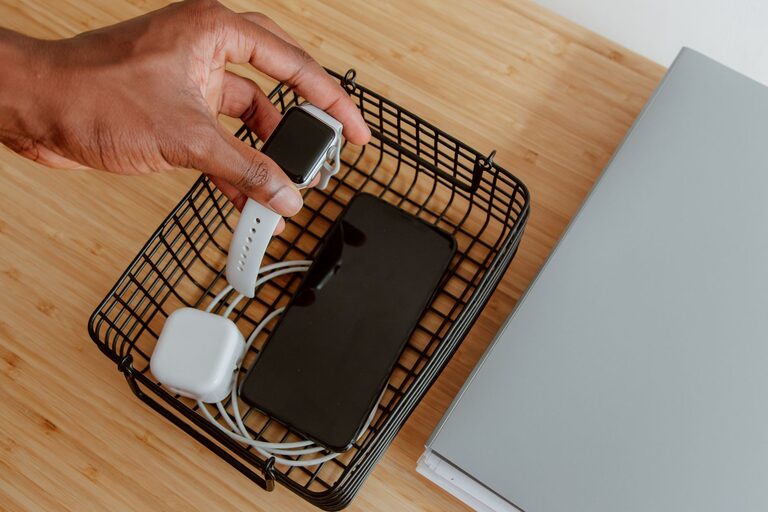







How to Set Up a Charging Station for Devices at Home
Setting up a dedicated charging station at home can simplify your daily routine, keeping all your devices powered and organized in one convenient spot. Whether you have smartphones, tablets, wireless earbuds, or smartwatches, a charging station helps reduce clutter and ensures your gadgets are always ready to use. In this guide, we’ll walk you through the steps to create an efficient charging station that fits your needs.
Why Create a Charging Station?
With multiple devices needing frequent charging, cables and chargers can quickly become a tangled mess. A charging station:
– Centralizes all charging needs in one location.
– Reduces clutter and the search time for chargers.
– Protects devices by providing a safe place for charging.
– Helps manage cables and power outlets effectively.
Step 1: Choose the Right Location
Selecting a good spot is key to an effective charging station.
– Accessibility: Pick a place everyone in the household can easily reach, such as a living room side table or kitchen counter.
– Power Source: Ensure there’s access to several power outlets or a power strip.
– Surface: The area should be flat and sturdy to hold devices safely.
– Ventilation: Avoid enclosed spaces where devices may overheat while charging.
Step 2: Gather Your Equipment
To set up your station, you’ll need:
– Multi-port USB charger or charging hub: Look for a charger with multiple ports to power several devices simultaneously.
– Power strip with surge protection: To plug in chargers safely and protect your electronics.
– Device stands or holders: These keep devices upright and visible, making retrieval and monitoring easier.
– Cable organizers: Clips, sleeves, or boxes help keep cords untangled and neat.
– Labeling tools (optional): Tags or stickers to identify cables and devices.
Step 3: Organize Your Charging Station
Set Up Power and Chargers
– Plug the power strip into the wall outlet.
– Connect your multi-port USB charger or individual chargers into the power strip.
– Arrange the power strip so it’s hidden or neatly positioned to avoid tripping hazards.
Arrange Device Holders
– Place device stands on the surface to hold each gadget securely.
– Consider the size and number of your devices to select holders that fit comfortably.
Manage Cables
– Measure cable lengths to avoid excess slack.
– Use cable clips or ties to group cords together and route them neatly.
– Consider a cable box to conceal power strips and adapters.
Step 4: Establish Charging Guidelines
To maximize the efficiency and lifespan of your charging station:
– Charge devices off the bed or couch: This reduces heat buildup.
– Don’t overload power outlets: Stick to the power strip’s capacity.
– Use certified chargers and cables: To ensure safety and fast charging.
– Charge at convenient times: For example, overnight or when devices are not in use.
Step 5: Personalize and Maintain Your Station
Make your charging station more user-friendly:
– Add labels to cables and charging spots for quick identification.
– Include a small tray or basket nearby for small accessories like earbuds or charging adapters.
– Regularly declutter unused cables and clean the area from dust.
Extra Tips for a Smart Charging Station
– Wireless charging pads: If your devices support them, incorporate a wireless charger for a cable-free experience.
– Portable charging banks: Store power banks at the station to grab when you’re on the go.
– Lighting: Add soft LED lights or nightlights to make the station visible in low light.
Conclusion
A well-planned charging station brings convenience and order to your everyday device use. By choosing the right location, gathering the right tools, and keeping cables organized, you can create a space where all your gadgets recharge safely and efficiently. Personalize your station based on your devices and preferences for the best results.
Start with these steps today and enjoy a clutter-free, fully charged home environment!